
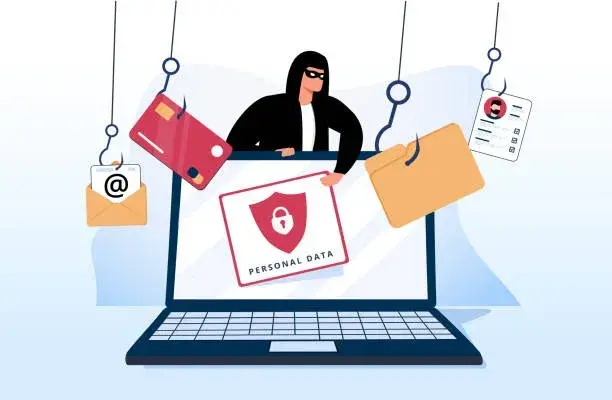
Cybersecurity Awareness: Stop Phishing Scams Before They Hook You
Phishing attacks are one of the most common ways cybercriminals steal personal and business information. These fake emails and messages can look real — until it's too late.
Why It Matters
Hackers use phishing to trick you into sharing passwords, credit card numbers, or clicking harmful links. A single click can open the door to identity theft or ransomware.
How to Spot and Avoid Phishing Attempts
- Check the sender's email address. Fake ones often look similar to real ones.
- Don't click links or download attachments from unknown or unexpected messages.
- Look for red flags such as urgency, poor grammar, or 'act now' messages.
- Go directly to the source. If you're unsure, contact the company using its verified website.
Stay alert. Don’t take the bait. Stay cyber smart.
NEED A HAND?
Still have questions about your tech?
KJ's Computer Support Group can help with troubleshooting, repairs, upgrades, cybersecurity, maintenance, and more.
Get Tech SupportKeep Learning
Device Care